Introduction
If your hybrid meetings leave remote attendees sidelined, decisions unrecorded and action items scattered across tools, you’re bleeding time and accountability. Hybrid meetings often fail for the same reasons — unclear purpose, weak facilitation and tech friction — but the fix is straightforward: standard meeting agenda templates combined with document automation and a linked library of business templates can get everyone aligned, prepared and measurable.
What this article covers: how to design concise agendas with fields like objective, timebox, owner and prep; how to auto‑populate agendas from project templates, calendar events and previous notes; how to convert captured notes into automated task workflows; and which integrations (calendar, task managers, HR) and pilot templates will speed adoption and compliance.
Why hybrid meetings fail and how standard agenda templates improve ROI
Why hybrid meetings fail: Hybrid meetings often underdeliver because of unclear purpose, weak facilitation, tech friction and mismatched expectations between in-room and remote attendees. That leads to wasted time, duplicated work, and missed decisions — all of which cut into meeting ROI.
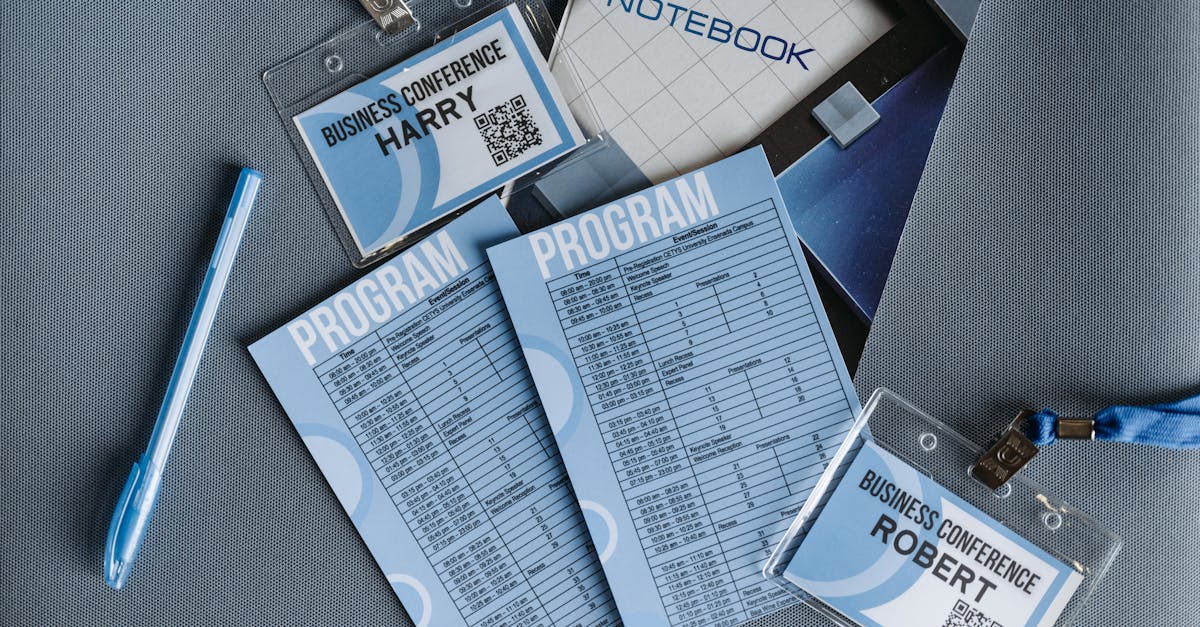
How standard agenda templates fix this: A repeatable meeting agenda template removes ambiguity. When every meeting uses clear fields for objective, timebox, owner, outcomes and prep materials, attendees come prepared and leaders can measure meeting effectiveness.
Key improvements to ROI
- Less rework: Decisions are recorded and assigned during the meeting so fewer follow-ups are needed.
- Better time use: Timeboxing reduces overruns and protects heads-down work time.
- Measurable outcomes: Standard outcomes let you track completion rates and tie meetings to project progress.
- Faster onboarding: New hires can use the same business templates and understand expectations immediately.
Essential agenda sections: objective, timebox, owner, outcomes and prep materials
Every effective agenda should be concise and structured. Include these essential sections to keep meetings focused and actionable.
Must-have fields
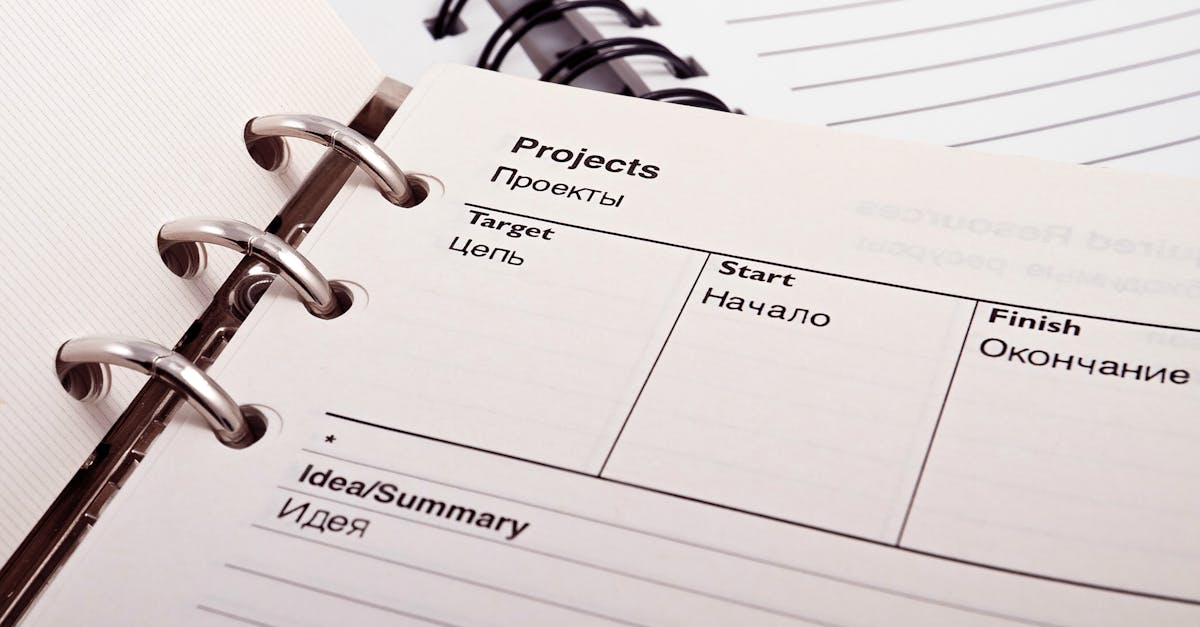
- Objective: One-sentence reason for the meeting — what success looks like.
- Timebox: Total meeting length and per-item timings to prevent overruns.
- Owner: Who is running the item and who will decide.
- Outcomes: Concrete deliverables or decisions expected by the end.
- Prep materials: Links to documents, decks, or previous notes and any required pre-reading.
Use these fields in your meeting agenda template and link related documents like a business plan template or marketing plan template when relevant so everyone arrives with context.
Auto‑populate agendas from project templates, calendar events and previous notes
Save time and improve consistency by auto‑populating agendas from existing assets.
Where data comes from
- Project templates: Pull standard sections from a project or proposal template so recurring topics appear automatically.
- Calendar events: Use event metadata (project, attendees, duration) to seed the agenda title, timebox and participants.
- Previous notes: Import unresolved action items and discussion points from past meeting notes to maintain continuity.
Technical approaches include templated documents (Word/Excel), merge fields and integrations into your meeting tool. This supports formats like business templates word or business templates excel and enables quick business templates download for offline editing.
Capture meeting notes and convert action items into automated workflows and task templates
Notes are only useful when they become work. Structure note capture so action items are turned into tracked tasks automatically.
Best practices
- Use structured note fields: Capture decisions, owners, due dates and priority during the meeting.
- Auto-create tasks: Convert action items into task templates and workflows that include assignee, due date and dependencies.
- Standard task templates: For recurring follow-ups (e.g., monthly reporting), use a task template or workflow so work is created consistently.
This reduces lost actions, supports auditability for HR or compliance, and connects meeting work to broader business document templates and corporate workflows.
Integrations and follow‑up: sync with calendar, task managers and HR records for compliance
Integrations are the glue that turns a tidy agenda and captured notes into reliable delivery and compliance records.
Integrations to prioritize
- Calendar sync: Push finalized agendas and outcomes to calendar invites so attendees have the right context and prep materials.
- Task managers: Create tasks in your preferred tool (Asana, Trello, Jira) with links back to meeting notes and source agenda.
- HR systems: Log role-specific outcomes and training follow-ups into HR records for performance and compliance tracking.
Also link related templates like invoice templates and financial templates for businesses if meeting outcomes trigger billing or budget changes. These integrations support audit trails needed by legal and compliance teams.
Sample Formtify templates to pilot structured meetings and adoption tips
Use a small pilot set of templates to prove value quickly. Start with templates that map to common meeting use cases and allow hands-on adoption.
Sample templates to try (Formtify)
- Appointment letter — use to formalize meeting ownership and approvals.
- Team-building contract — useful for offsites and HR-run workshops to capture commitments and logistics.
- Achievement certificate — use to recognize training milestones that may be outcomes of meetings.
Adoption tips
- Pilot small: Start with one team (product, legal, HR) and measure meeting length, number of action items closed and attendee satisfaction.
- Train quickly: Create a one-page guide and a short demo showing the meeting agenda template, auto-population and task creation.
- Measure: Track KPIs such as reduced meeting time, faster decision closure and fewer follow-ups to quantify ROI.
- Scale templates: Add related items — business plan template, proposal template, marketing plan template, or invoice templates — into the library as teams want them.
For teams looking for file formats or free options, look for libraries that offer business templates free, business templates for startups, or downloadable options in Word or Excel (business templates word, business templates excel).
Summary
Hybrid meetings often underdeliver because of unclear purpose, poor facilitation and tech friction — but they’re fixable. Use concise, repeatable agenda templates with fields for objective, timebox, owner, outcomes and prep; auto‑populate agendas from calendar events and project templates; convert captured notes into tracked tasks; and sync outcomes to calendars, task managers and HR systems. For HR and legal teams, document automation delivers consistent audit trails, clearer role-based outcomes, and faster onboarding and compliance reporting — all while reducing rework and missed decisions. Start with a small pilot of meeting and business templates, measure improvements, and scale the library; learn more and get started at https://formtify.app
FAQs
What are business templates?
Business templates are prebuilt documents and forms (agendas, contracts, plans, invoices) designed to standardize work and reduce setup time. They provide consistent fields and structure so teams can quickly capture required information and ensure compliance across processes.
Where can I download free business templates?
There are many libraries that offer free downloadable templates in Word, Excel or editable formats; look for reputable vendor libraries, community repositories, or product sites like Formtify that provide starter sets. When choosing free templates, prefer ones that include clear fields for ownership, outcomes and prep so they integrate easily with automation workflows.
Can I use business templates for legal documents?
Yes — templates can be used for legal documents, but they should be reviewed and approved by your legal team before use to ensure they meet jurisdictional and corporate requirements. For compliance‑sensitive items, store signed versions, track changes, and log approvals through your document automation system to maintain an auditable record.
How do I customize a business template for my company?
Start by updating core fields like company name, approval owners, and required legal verbiage, and then adapt sections for your workflows (timeboxes, outcomes, and prep). Test changes in a pilot group to validate integrations (calendar, task managers, HR systems) and capture feedback before scaling the customized template across teams.
Which templates are essential for startups?
Startups should prioritize templates that save time and reduce risk: meeting agendas, one‑page business plans, proposals, NDAs, offer letters, and basic invoice templates. These templates accelerate decision‑making, onboarding and billing while creating consistent records that support compliance as you scale.