
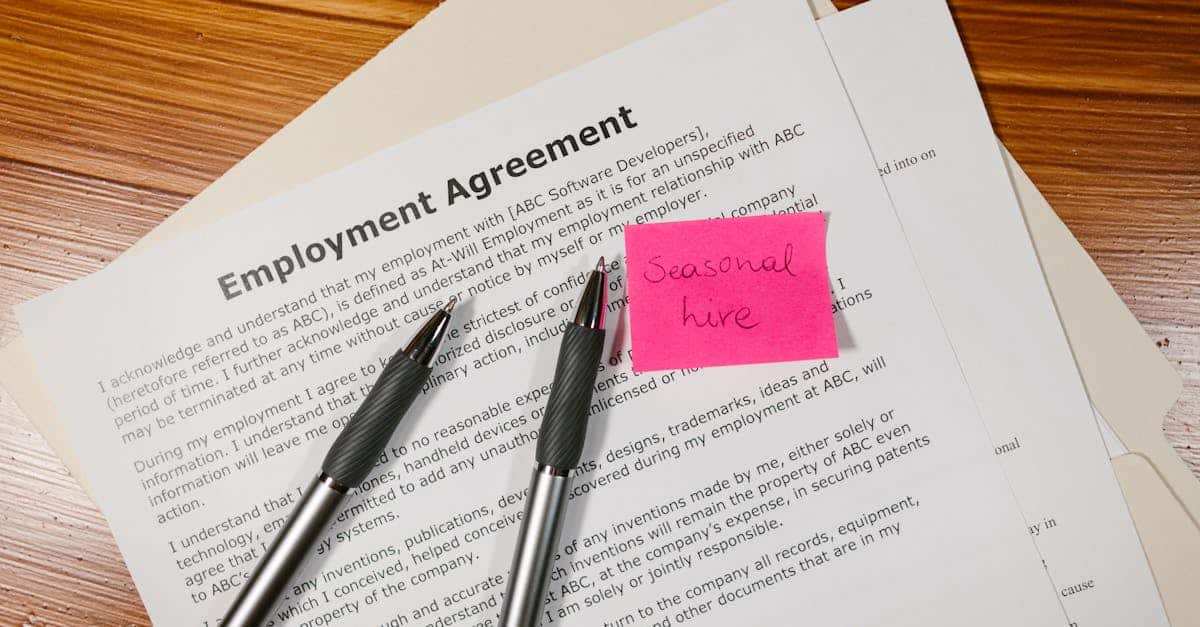
Introduction
Cut through dense contract language — and the compliance risk it creates. Long, lawyer‑heavy clauses make employees skip or misread critical terms, weakening consent, increasing disputes, and harming engagement. AI‑powered document automation can change that: extract clause boundaries, produce short plain‑English summaries with clear provenance, surface risk flags, and bake per‑clause acknowledgements and immutable audit trails into e‑sign workflows so HR and legal get clearer consent across employee agreements, faster signatures, and defensible records. This article walks through practical extraction, simplification, and explainability practices; UX patterns for embedding summaries into offers and templates; automated acknowledgement and audit‑trail designs; sample clause summaries; recommended Formtify templates; and a rollout checklist for accuracy, human‑in‑the‑loop QA, retention, and privacy controls.
Why dense legal language in employment agreements causes compliance and engagement gaps
Dense legal language creates real-world problems. Employees skip or misread long clauses in employee agreements because they’re hard to parse. That creates compliance gaps and increases risk: people don’t know their obligations (confidentiality, post‑termination restrictions) and HR can’t rely on meaningful consent.
Common consequences:
-
Lower signature quality — signatures without understanding, which weakens enforceability and compliance tracking.
-
Higher dispute risk — misunderstandings about pay, termination, and restrictive covenants (like non‑compete agreements) lead to grievances or litigation.
-
Poor employee engagement — new hires feel mistrusted or confused, harming retention.
Why this matters for your docs: Employment contract language—whether labeled an employment agreement or an employment contract—directly shapes how enforceable and functional the document is across jurisdictions. Clear language reduces the gap between employee agreements meaning and their real-world application.
How AI clause summarization works: extraction, simplification, and explainability best practices
Three-step process
1) Extraction
AI identifies clause boundaries (confidentiality, non‑compete, arbitration) inside an employee agreements form or employment contract document. Use structure cues (headings, bolded phrases) and legal ontologies to map clause types across documents, including fixed‑term, at‑will, and contractor clauses.
2) Simplification
Transform the clause into plain‑language highlights: scope, duration, key obligations, triggers, and consequences. Keep summaries short (1–3 bullets) and include a single sentence that captures the employee’s core obligation.
3) Explainability
Link each summary back to the original clause and show provenance: which paragraph, exact sentence excerpts, and confidence scores. If the model is uncertain about a legal term (for example, whether a clause creates an enforceable non‑compete), flag it for human review.
Best practices:
-
Constrain model outputs with templates (employment agreement template and employee agreements sample) so phrasing is consistent.
-
Surface legal caveats and jurisdictional notes when simplification could change meaning (employment contract vs agreement issues are often jurisdiction‑specific).
-
Provide traceability — show highlighted source text and allow a one‑click view of the full clause.
Embedding summaries into templates and offer letters: UX patterns that increase signature rates
Design for quick comprehension. Place a short, bold summary above each clause in the employment agreement template or inside the offer letter so candidates see the essentials before signing.
Practical UX patterns
-
Top‑line bullets: 2–4 bullets summarizing obligations (e.g., confidentiality scope, non‑compete duration) placed at clause start.
-
Inline provenance links: “See full clause” toggles that expand the original paragraph in‑place instead of navigating away.
-
Risk flags: Small icons indicating clauses that commonly require negotiation or counsel (severance, arbitration, non‑compete).
-
Offer‑stage highlights: Embed clause summaries directly into the job offer letter to reduce surprises at onboarding; see an example offer flow: https://formtify.app/set/job-offer-letter-74g61.
These patterns reduce cognitive load, increase trust, and raise signature rates because signers can confirm they’ve read the key points without wading through dense legal text.
Automating employee acknowledgements, versioned records and immutable audit trails with e‑sign workflows
Automate acknowledgements with clear evidence. Use e‑sign workflows that capture who acknowledged which clause summaries and when. Each acknowledgement should be tied to a specific document version and full‑text snapshot.
Key elements of a robust workflow:
-
Versioning: Assign version IDs to every employment contract or employee agreements form and surface the version at the top of the document.
-
Per‑clause acknowledgement: Allow employees to acknowledge key clauses (confidentiality, non‑compete agreement, arbitration) individually rather than just signing the whole document.
-
Immutable audit trail: Store signed PDFs plus a hash of the original text and clause summaries in a tamper‑evident log for compliance and e‑discovery.
-
Automated notifications: Trigger reminders for expiring obligations (e.g., fixed‑term end dates or non‑compete sunset clauses).
Pair these controls with clear retention policies and access controls so HR and legal can demonstrate compliance without manual record chasing.
Practical examples: Summarize confidentiality, non‑compete and arbitration clauses automatically
Confidentiality (employee confidentiality agreement)
AI summary: You must keep company trade secrets and client data confidential during and after employment for 2 years; permitted disclosures include legal obligations and pre‑approved sharing with internal teams. Source: paragraph 3. Confidence: high.
Why this helps: Employees instantly see duration and permitted exceptions.
Non‑compete (non‑compete agreement)
AI summary: You cannot work for or start a competing business within 25 miles of company HQ for 12 months after termination, unless terminated for cause. Source: paragraph 7. Confidence: medium — flag for jurisdictional review.
Why this helps: Summaries call out geographic scope, time limits, and enforcement caveats so HR can spot overbroad restrictions early.
Arbitration
AI summary: All employment disputes must go to binding arbitration with an agreed provider; class actions are waived. You can opt to request a formal mediation step first. Source: paragraph 12. Confidence: high.
Why this helps: Makes dispute resolution expectations clear and surfaces class‑action waivers that might be contested in some jurisdictions.
Implementation tip: For each automated summary include the original clause link, a confidence score, and a one‑click “request review” button for legal or HR to escalate any flagged items.
Recommended Formtify templates to pair with clause summaries and acknowledgement flows
Use curated templates to standardize outputs and speed deployment. Recommended Formtify sets:
-
Employment agreement (full contract): use an employment agreement template that pairs with clause summaries so the document and the plain‑language bullets stay in sync — https://formtify.app/set/employment-agreement-mdok9
-
Employee confidentiality agreement / NDA: for focused confidentiality clauses and automated summaries, start with the NDA template — https://formtify.app/set/non-disclosure-agreement-3r65r
-
Offer letter: embed top‑line clause summaries at offer time to reduce renegotiation — https://formtify.app/set/job-offer-letter-74g61
These templates act as canonical sources for extraction and make it easier to map clause types across your employee agreements template pool, employee agreements sample, or employee agreements form library.
Implementation checklist: accuracy validation, human‑in‑the‑loop QA, retention rules and privacy controls
Accuracy & validation
-
Run a 2‑phase validation: automated checks for completeness and consistency, followed by legal review for high‑risk clauses (non‑compete, arbitration).
-
Keep a sample set of employee agreements vs contracts for spot testing across jurisdictions (employee agreements meaning and variants).
Human‑in‑the‑loop QA
-
Flag medium/low confidence summaries for mandatory human review before they’re included in offer or acknowledgement flows.
-
Maintain an escalation workflow so HR can quickly request redlines or clarifications from legal.
Retention rules & privacy controls
-
Define retention periods for signed agreements and clause summaries consistent with local law and company policy. Archive immutable records for the legally required period.
-
Limit access with role‑based permissions; treat clause summaries as part of the employee’s personal data if they include performance or discipline details.
-
Log consent events (who, when, which version) and ensure exportable audit reports for compliance checks.
Final rollout tips: Pilot with one business unit, compare signature rates and dispute incidents against historical baselines, then iterate on phrasing and acknowledgement UX.
Summary
Final takeaway: AI‑powered clause extraction and plain‑English summaries reduce confusion, improve signature quality, and create defensible records by linking short summaries to source clauses, confidence scores, and per‑clause acknowledgements. By embedding summaries into offers, using human‑in‑the‑loop QA, and capturing immutable audit trails, HR and legal teams can reduce disputes, speed onboarding, and demonstrate clear consent in employee agreements. Start with a focused pilot, standardize templates, and iterate on UX, retention rules, and review workflows to scale safely. Learn more and explore recommended templates at https://formtify.app.
FAQs
What is an employee agreement?
An employee agreement is a document that sets out the relationship between an employer and an employee, including duties, compensation, confidentiality, and terms of termination. It can be written as a full employment contract or a simpler offer letter, and it helps clarify expectations and legal obligations for both parties.
Do I need an employee agreement?
Most organisations benefit from having a written employee agreement to reduce ambiguity and protect both the company and the worker. In many jurisdictions some elements must be disclosed in writing, and having a clear agreement supports compliance and dispute prevention.
What should be included in an employee agreement?
Key elements typically include job duties, compensation, working hours, confidentiality, restrictive covenants (if any), dispute resolution, and termination terms. Depending on the role and location you may also add non‑compete, IP assignment, or data‑protection clauses and ensure any jurisdictional variations are noted.
Can an employee agreement be changed after signing?
Yes, but changes generally require agreement from both parties and, in many cases, should be documented in writing to avoid disputes. Use versioned documents and clear acknowledgement flows so you can prove when a new term was presented and accepted.
Are employee agreements legally binding?
Employee agreements are usually legally binding if they meet contract requirements (offer, acceptance, consideration) and comply with local employment laws. However, enforceability can vary by clause—particularly restrictive covenants—so high‑risk terms should be reviewed by legal counsel and documented with clear consent and provenance.




