Introduction
Tired of admin bottlenecks and last‑minute compliance scrambles? If you run people operations at a small business, manual forms, scattered checklists, and one‑off emails are shrinking productivity and increasing risk. This article shows how to reclaim time and reduce errors in HR onboarding by turning repeatable tasks into predictable, auditable workflows.
Document automation — think e‑sign templates, pre‑filled variables, conditional logic and automated triggers — is the fastest way to cut admin time without hiring developers. Below you’ll find seven no‑code template workflows that map the core onboarding steps (offer‑to‑hire, compliance checks, payroll & benefits, IT provisioning, task handoffs, KPIs) and practical Formtify templates to implement them end‑to‑end.
Map the core HR onboarding process steps every small business should automate
Core steps to automate
Map the hr onboarding process into discrete, automatable stages so nothing falls through the cracks. At minimum include: offer & acceptance, eligibility & background checks, tax & payroll setup, benefits enrollment, IT & equipment provisioning, role-specific training, and regular check-ins (30/60/90 days).
Suggested automation sequence
- Pre-hire — offer generation and approvals.
- Hire day — e-sign documents, I-9 completion, tax forms.
- First week — equipment delivery, orientation program ideas, initial training.
- First 30–90 days — competency milestones, performance check-ins, talent management strategies for retention.
Use an hr onboarding checklist and onboarding software to orchestrate handoffs between hiring managers, HR, IT and payroll. Breaking the process into these steps makes it easy to build templates and triggers, and to track the hr onboarding process end-to-end.
Build an offer‑to‑hire workflow: offers, e‑sign, and conditional acceptance logic
Automate offers and acceptance logic
Automated offer workflows reduce time-to-hire and ensure legal consistency. Generate an offer from a template, route it for approvals, attach role- and compensation-specific variables, and send the offer for e-sign.
Key elements
- Offer templates: keep standard language and variable fields (salary, start date, reporting manager).
- E-sign integration: capture signed offers quickly and store audit trails.
- Conditional logic: set automated next steps when a candidate counters, requests changes, or withdraws.
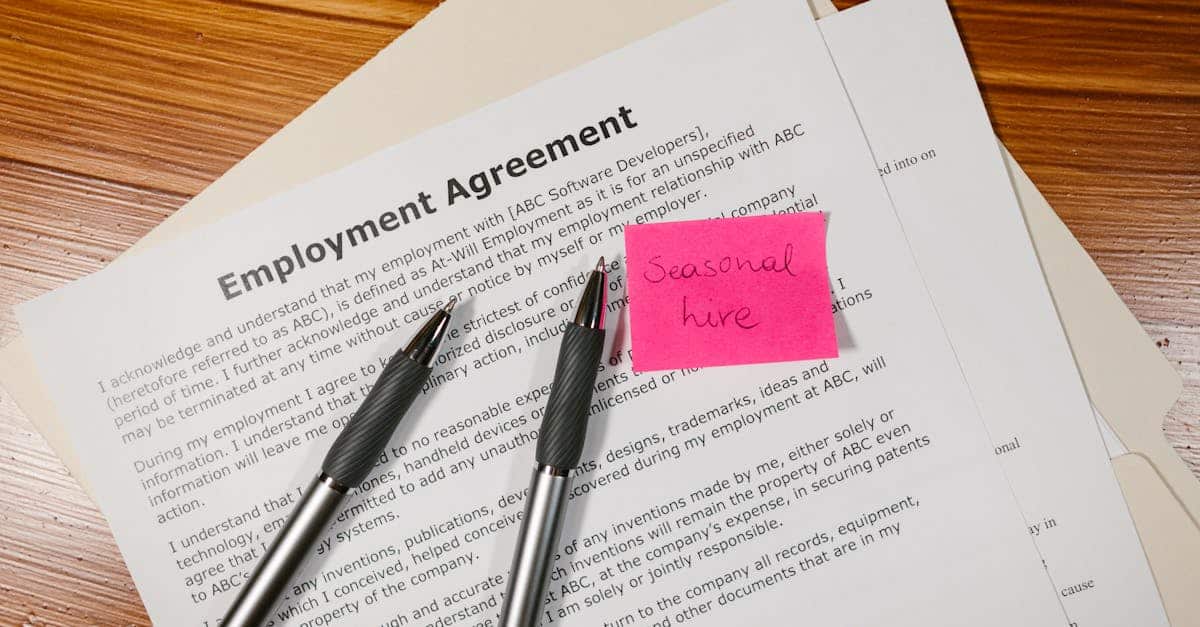
Use dedicated offer templates like a job offer letter and appointment letter to speed preparation — for example, a Formtify job offer template and appointment letter make this practical without coding: https://formtify.app/set/job-offer-letter-74g61 and https://formtify.app/set/appointment-letter-27avk. Tie signed offers to the employment agreement template so new hire onboarding moves straight from offer to contract: https://formtify.app/set/employment-agreement-mdok9.
Automate compliance checks: I‑9s, verifications, HIPAA consents and document retention
Automated compliance reduces risk
Automate collection and verification of legally required documents to avoid fines and last-minute compliance gaps. Make I-9 completion, background checks, employment verifications, and consents part of the hr onboarding checklist with automated reminders and expiration tracking.
Practical steps
- Require I-9 completion with identity document uploads and remote inspection workflows where allowed.
- Trigger background and employment checks and automatically attach results to the candidate record.
- Collect HIPAA or medical consents where applicable using a consent template to centralize permissions: https://formtify.app/set/hipaaa-authorization-form-2fvxa.
- Maintain document retention policies and searchable audit logs for inspections.
For routine verification tasks, template-based employment verification letters accelerate responses and keep messaging consistent: https://formtify.app/set/78-employment-verification-letter-6fexi.
Provisioning payroll, benefits enrollment and tax forms using template variables
Pre-fill forms with template variables
Use onboarding templates that accept variables (name, start date, pay rate, exemption status) to pre-populate payroll and benefits forms. This reduces errors and speeds new hire processing.
What to automate
- Electronic tax forms (W-4, state forms): pre-fill and send for employee confirmation.
- Payroll provisioning: create a payroll record in your payroll system via uploaded CSV or API trigger once forms are complete.
- Benefits enrollment: send role-appropriate plan choices with deadlines and automated reminders.
Link payroll provisioning to the onboarding workflow so completion of tax forms triggers setup in payroll systems. This is a core part of the employee onboarding experience and helps deliver accurate first-paycheck outcomes.
Turn paperwork into action: IT provisioning, equipment checklists and onboarding task assignments
Convert documents into operational tasks
Paperwork is only useful if it triggers action. Connect completed forms to IT provisioning, asset assignment, and onboarding task lists so equipment and access are ready on day one.
Checklist and assignments
- Equipment checklist: laptop, monitor, phone, software licenses, VPN access.
- IT provisioning tasks: account creation, SSO, email, permissions based on role templates.
- Onboarding task assignments: designate owners (manager, IT, security) and due dates, and surface these in a shared dashboard.
For remote new hire onboarding, include shipping workflows, remote onboarding strategies, and orientation program ideas that replicate in-office setup. Integrate asset tracking so return-to-company procedures are automated too.
KPIs and simple dashboards small HR teams can use to measure time‑to‑productivity and completion rates
Keep KPIs practical and focused
Small HR teams need a compact set of metrics to measure onboarding effectiveness without heavy reporting overhead. Track a handful and review weekly.
Recommended KPIs
- Offer-to-accept time — speed of converting offers into signed agreements.
- Time-to-complete mandatory forms — percent completed by start date.
- Equipment readiness rate — percent of hires with equipment on day one.
- Time-to-productivity — days until new hire reaches defined competency milestones.
- Onboarding completion rate — percent of checklist items finished within 30 days.
Dashboards should show completion rates, bottlenecks by owner, and basic engagement indicators (training module completions, manager check-ins). Use these signals to refine employee engagement strategies and hr onboarding best practices while aligning to talent management strategies.
Recommended Formtify template sets to implement these workflows without developers
Plug-and-play templates to get started
Formtify provides ready-made templates that map directly to the workflows described above. Use them as-is or customize fields to match your hr onboarding template and hr onboarding checklist.
Core templates and how to use them
- Job offer letter — create standardized offers and feed variables into the offer-to-hire flow: https://formtify.app/set/job-offer-letter-74g61.
- Appointment letter — formalize start details and conditional terms: https://formtify.app/set/appointment-letter-27avk.
- Employment agreement — capture role, compensation, and confidentiality terms and link to payroll provisioning: https://formtify.app/set/employment-agreement-mdok9.
- HIPAA authorization form — collect health data consents where needed and store with retention rules: https://formtify.app/set/hipaaa-authorization-form-2fvxa.
- Employment verification letter — speed verifications and standardize responses: https://formtify.app/set/78-employment-verification-letter-6fexi.
Combine these templates with simple onboarding software or your HRIS to automate routing, e-sign, reminders, and dashboards. That approach implements hr onboarding best practices quickly, supports remote onboarding strategies, and minimizes developer dependency while improving new hire onboarding and long-term retention.
Summary
Automating the HR onboarding lifecycle turns a collection of one-off tasks into a predictable, auditable process that saves time and reduces compliance risk. By mapping core steps — offer-to-hire, compliance checks, payroll and benefits setup, IT provisioning, task handoffs and early performance milestones — small HR teams can build no-code templates and triggers that eliminate manual handoffs and last-minute scrambling. Document automation gives HR and legal teams consistent language, pre-filled data fields, e-sign audit trails, and measurable KPIs so you spend less time on admin and more on hiring quality and retention. Ready to stop firefighting and start automating? Explore the plug-and-play templates and workflows at https://formtify.app to implement practical HR onboarding solutions without developers.
FAQs
What is HR onboarding?
HR onboarding is the process of integrating a new hire into an organization, covering administrative setup, compliance, orientation, and initial training. It ensures the employee has the forms, equipment, accounts, and expectations needed to be productive and compliant from day one.
How long should onboarding last?
Onboarding duration varies by role but a practical model covers immediate setup (hire day), the first week (orientation and equipment), and continued support through 30–90 days to reach baseline competency. Focus on milestones rather than calendar days so progress is measured by outcomes like equipment readiness and completion of mandatory forms.
What are the key steps in an HR onboarding process?
Key steps include offer generation and e-signature, legal and background verifications (I-9, tax forms), payroll and benefits provisioning, IT and equipment provisioning, role-specific training, and regular check-ins at 30/60/90 days. Breaking the workflow into these stages makes it easier to automate handoffs and track completion.
What is the difference between onboarding and orientation?
Orientation is a subset of onboarding that typically covers initial introductions, company policies, and basic administrative setup, often delivered in a short session. Onboarding is broader and ongoing—it includes compliance, training, equipment provisioning, and performance milestones that support longer-term integration and retention.
How can companies improve their onboarding process?
Improve onboarding by standardizing templates, automating routine documents and reminders, and tying completed items to operational tasks like payroll and IT provisioning. Track a small set of KPIs (offer-to-accept time, form completion, equipment readiness, time-to-productivity) and iterate based on bottlenecks and manager feedback.