Introduction
Meetings are where decisions get made — and where follow‑ups often disappear. If notes live in scattered docs, owners aren’t clear, or deadlines aren’t tracked, hybrid teams end up firefighting instead of delivering. This post shows how a few simple changes — standardized agenda templates, automated minutes and one‑click task creation — stop leaks, keep owners accountable and make SLAs real.
How this helps: using document automation and readily available business templates, you can automatically turn agenda rows into tasks with owners and due‑date reminders, run hybrid meetings with asynchronous pre‑reads and outcome tags, and keep versioned, searchable minutes for audits. Below you’ll find practical patterns, best practices and Formtify templates to move meetings from talk to tracked action.
Standard agenda templates that capture decisions, owners and SLAs for follow‑ups
Why a structured agenda matters. A consistent meeting agenda template ensures every item finishes with a clear decision, an owner and a Service Level Agreement (SLA) or due date for follow‑up.
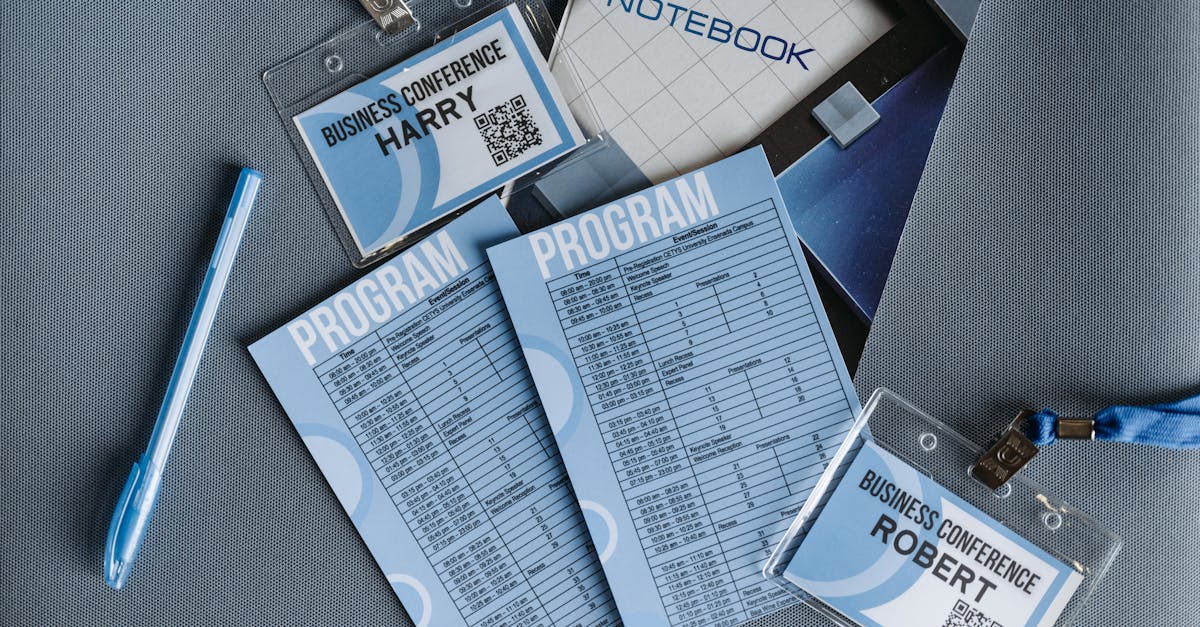
Keep the template compact: one row per agenda item with columns for Topic, Outcome required, Owner, Decision, and SLA / Due date. That single table becomes the source of truth for minutes and action tracking.
Example template fields
- Topic — short description
- Purpose — decision / discussion / info
- Owner — person responsible (link to assignment)
- Decision — outcome recorded during meeting
- SLA / Due date — concrete date or number of days
Tip: link owner entries to role documents or appointment letters so accountability is clear — for example use an assignment or appointment template such as this appointment letter.
Automation patterns: convert agenda items into tasks, assign owners and set due‑date reminders
Automation reduces follow‑up leakages. Once your meeting agenda template records owner + SLA, automate conversion of those rows into tasks in your project or task system.
Common patterns
- One‑click convert: agenda row → task with owner, due date, and link back to minutes.
- Recurring actions: convert decisions that imply repeated work into recurring tasks.
- Notification rules: owners receive reminders at configurable intervals (e.g., 7 days and 2 days before SLA).
- Escalation: overdue items escalate to a secondary owner or the meeting chair.
Implementations vary: use business document automation tools or integrations with calendar and task platforms (many organizations start with business templates word or business templates google docs then wire them into automation). Consider naming conventions that tie tasks back to templates like project plan template or marketing plan template for traceability.
If you manage board work, link agenda items to board membership records or board roll calls — see a sample board-member template here: board member set.
Best practices for hybrid meetings: asynchronous pre‑reads, time‑boxed items and outcome tagging
Make hybrid meetings efficient. Use asynchronous pre‑reads so in‑meeting time is reserved for decision making and tricky discussions.
Asynchronous pre‑reads
Publish a concise pre‑read with action points attached to the meeting agenda template. Label items as For decision, For info or For review so attendees can prepare without wasting time.
Time‑boxing and outcome tagging
- Time‑box each agenda item — stick to the schedule.
- Outcome tags: tag items with outcomes like Decision / Action / Deferred to make minutes searchable later.
- Asynchronous input: allow comments on agenda items before the meeting so less time is spent on status updates.
These practices work across meeting types — from a quick cross‑functional standup to a strategic steering committee — and pair well with templates like a meeting agenda template or a project plan template for follow‑through.
Auditability and search: versioned minutes, linked evidence and stakeholder acknowledgements
Design for audit trails. Versioned minutes plus links to source evidence (reports, invoices, plans) make governance and compliance reviews far easier.
Core elements
- Versioning: keep immutable historical copies of minutes; append a short change log when edits are needed.
- Linked evidence: attach or link supporting documents — financial reports, proposals, or an invoice template used to approve payments.
- Stakeholder acknowledgements: capture confirmations or objections from stakeholders as discrete records.
Make minutes searchable by tagging items with metadata (meeting type, project, owners, decisions). Link financial decisions back to the authoritative report — for example, include documents like an annual financial report when relevant: financial report.
This approach supports audits, board reviews and regulatory needs while integrating with other business templates you use (business plan template, project plan template, invoice template).
Use cases: client steering committees, cross‑functional standups and governance meetings
Match templates to meeting type. Different meetings need different levels of structure and traceability.
Client steering committees
- Use a formal meeting agenda template with decisions, action owners and SLA dates.
- Attach governance evidence and link to contract or financial reports.
Cross‑functional standups
- Keep it lightweight — focus on blockers, owners, and quick SLAs (24–72 hours).
- Automate recurring actions into a project plan template or task board for visibility.
Governance and board meetings
- Use versioned minutes, role-based owners and explicit escalation rules.
- Integrate with templates like a business plan template or marketing plan template when strategic approvals are required.
These templates scale from startups (look for business templates for startups or a business templates pack) to larger orgs that need formal audit trails.
Formtify templates to automate agendas, board minutes and action‑item ledgers
Use ready‑made templates to accelerate setup. Formtify provides templates that map directly to the patterns above so you don’t have to build everything from scratch.
Templates to try
- Board / membership set — tie owners and roles into agenda items and minutes.
- Financial report — link to decisions involving budgets or invoices.
- Appointment / assignment letter — capture owner commitments and formalize accountability.
These templates support common needs: converting agenda rows into task items, keeping versioned minutes, and building an action‑item ledger tied to owners and SLAs. They also work alongside other common resources like a business plan template, invoice template, or marketing plan template.
If you want to expand, consider building a template library with categorized items (onboarding, governance, finance) so teams can pick from business templates free or licensed packs. This enables how to create a business template workflows and broader business document automation across your org.
Summary
Structured agendas, automated minutes and one‑click task creation turn meetings from a source of noise into a reliable delivery mechanism. Use a compact agenda table that captures topic, owner, outcome and an SLA; automate conversion of rows into assigned tasks with reminders and escalations; run hybrid meetings with asynchronous pre‑reads, time‑boxing and outcome tags; and keep versioned, linked minutes for auditability. For HR and legal teams this approach reduces manual chasing, creates clear accountability, preserves governance evidence and makes SLAs enforceable using business templates. Ready to stop firefighting and start tracking outcomes? Explore templates and automation at https://formtify.app
FAQs
What are business templates?
Business templates are pre‑built documents or forms that standardize common workflows—agendas, contracts, reports, or action‑item ledgers. They save time by providing a consistent structure so teams capture the same fields (owner, decision, SLA) every time, improving clarity and traceability.
Where can I find free business templates?
Free templates are available from template libraries, open‑source repositories, and vendor sites—Formtify includes ready‑made templates specifically for agendas, minutes and action ledgers. When using free templates, vet them for relevance, compliance and whether they need legal review before deployment.
How do I customize a business template?
Start by aligning the template fields with your process: add columns for owner, decision and SLA, and link owner entries to role records or appointment letters. Apply branding and any jurisdictional or policy language, then test the template in one meeting before rolling it out more broadly.
Are business templates legally binding?
Templates themselves are not inherently legally binding—what matters is the content and how it’s executed. A template becomes binding when it’s completed, signed or approved according to your organization’s governance processes; for sensitive items, have legal review any template wording before use.
Can I use the same template for multiple businesses?
Yes, you can reuse templates across entities, but customize legal language, branding and jurisdictional terms for each business. Also ensure roles, escalation rules and SLAs match each company’s structure and compliance requirements before reuse.