Introduction
Too many HR teams still wrestle with paper, slow onboarding, and compliance risk — and those manual handoffs are costing time and exposing sensitive data. Document AI lets you flip that script: by automatically classifying documents, extracting critical fields, and redacting PII, you can convert resumes, offer letters, tax forms, and consents into actionable inputs for downstream systems and drive measurable HR digitization.
This post walks through the practical path from OCR to NLP and template mapping, how to trigger automated onboarding and approval workflows, and the compliance and governance controls you’ll need in production — plus operational tips (human‑in‑the‑loop QA, training data, and template governance) and ready‑to‑use use cases and templates to get results fast.
How Document AI transforms HR: classification, field extraction and automated redaction of PII
Document AI accelerates HR digitization by turning unstructured documents into structured, actionable data. Instead of manually reading resumes, offer letters, or consent forms, AI models classify each document type and extract key fields — names, dates of birth, SSNs, bank details, job titles, start dates, signatures — that feed downstream HR systems.
Key capabilities:
- Classification: automatically tag documents (e.g., resume, onboarding packet, tax form) so each file routes to the correct workflow.
- Field extraction: capture discrete values (name, email, payroll ID, salary) for fast HRIS implementation and payroll digitization.
- Automated redaction: detect and redact PII before storage or sharing to reduce exposure and support compliance.
This combination supports HR digital transformation and HR automation goals: faster hiring cycles, fewer manual errors, and a move from paper stacks to digital HR processes that integrate with HRIS and talent management software.
Build an extraction pipeline: OCR → NLP / classifier → template variable mapping
Design the pipeline as clear, modular stages so you can iterate on individual components during your HR digitization strategy.
Pipeline stages
- OCR (optical character recognition): convert scans and images to text. Use zone OCR for forms and full‑page OCR for contracts or freeform documents.
- NLP / classifier: identify document type and extract contextual entities (roles, compensation, clauses). This is where HR automation and digital HR intelligence live.
- Template variable mapping: map extracted fields to canonical HR variables (employee_id, start_date, bank_account) for ingestion into HRIS or payroll systems.
Implementation tips:
- Start with high‑value document types (offer letters, W‑4/Tax forms, direct deposit authorizations) to demonstrate HR digitization benefits quickly.
- Build connectors to your HRIS and employee self‑service portal so extracted fields auto‑populate profiles and onboarding checklists.
- Log extraction confidence scores and route low‑confidence parses to a human reviewer for faster learning and fewer errors.
Triggering workflows: auto‑populate onboarding packets, start background checks, and route for approvals
Document AI should be wired to event triggers so data extraction immediately advances operational workflows and reduces manual handoffs.
Common triggers
- New offer letter classified → auto‑populate onboarding packet and create an employee record in the HRIS.
- Completed background consent form extracted → start background checks and attach evidence to the candidate file.
- Contract or compensation change detected → route for approvals to manager, payroll, and legal with extracted summary fields and redacted attachments.
These triggers enable HR digital transformation by connecting document events to systems like payroll, benefits platforms, and applicant tracking. Use webhook events and API calls to integrate with talent management software and create an auditable chain from document receipt to final action.
Compliance and privacy: PII detection, DPAs, HIPAA consent flows and immutable evidence trails
Compliance is central to human resources digitization. Document AI must reliably detect PII, apply redaction rules, and maintain immutable records for audits.
Practical controls
- PII detection and redaction: automatically locate sensitive fields (SSNs, financial account numbers, medical identifiers) and redact them before downstream sharing.
- Data Processing Agreements: embed and track DPAs when sharing data with vendors and processors; you can use standard DPA templates to govern processing activities — see an example DPA here: https://formtify.app/set/data-processing-agreement-cbscw.
- HIPAA consent flows: capture signed HIPAA authorization forms and store the consent metadata and evidence chain; use specialized forms like this HIPAA authorization template to ensure correct capture: https://formtify.app/set/hipaaa-authorization-form-2fvxa.
- Immutable evidence trails: maintain tamper‑evident logs (timestamps, who viewed/edited, hashed document versions) to support audits and legal requests.
Combine automated redaction with policy‑based access controls so only authorized personnel access sensitive HR records. That reduces risk while enabling HR automation and digitized workflows.
Operationalizing models: training data, human‑in‑the‑loop QA and template governance to reduce hallucinations
To move from pilot to production, operationalize your Document AI models with continuous training, governance, and quality controls designed for HR contexts.
Operational best practices
- Curate training data: use representative samples from resumes, offer letters, benefits forms, and NDAs so models learn HR‑specific terms and formats.
- Human‑in‑the‑loop (HITL) QA: route low‑confidence extractions to reviewers who correct outputs and feed corrections back as labeled training data.
- Template governance: version templates and mapping rules for each document type to limit free‑text hallucinations and ensure deterministic field extraction.
- Monitoring and retraining: track extraction accuracy, confidence drift, and error rates; schedule regular retraining cycles and keep an issues backlog for model improvements.
These steps reduce hallucinations (where models invent or mislabel fields), support a reliable HR digitization strategy, and lower manual review costs over time.
Use cases and templates: onboarding, consents, NDAs and HR data processing agreements to automate end‑to‑end
Document AI supports practical, high‑impact HR use cases that accelerate human resources digitization and HRIS implementation.
Typical use cases
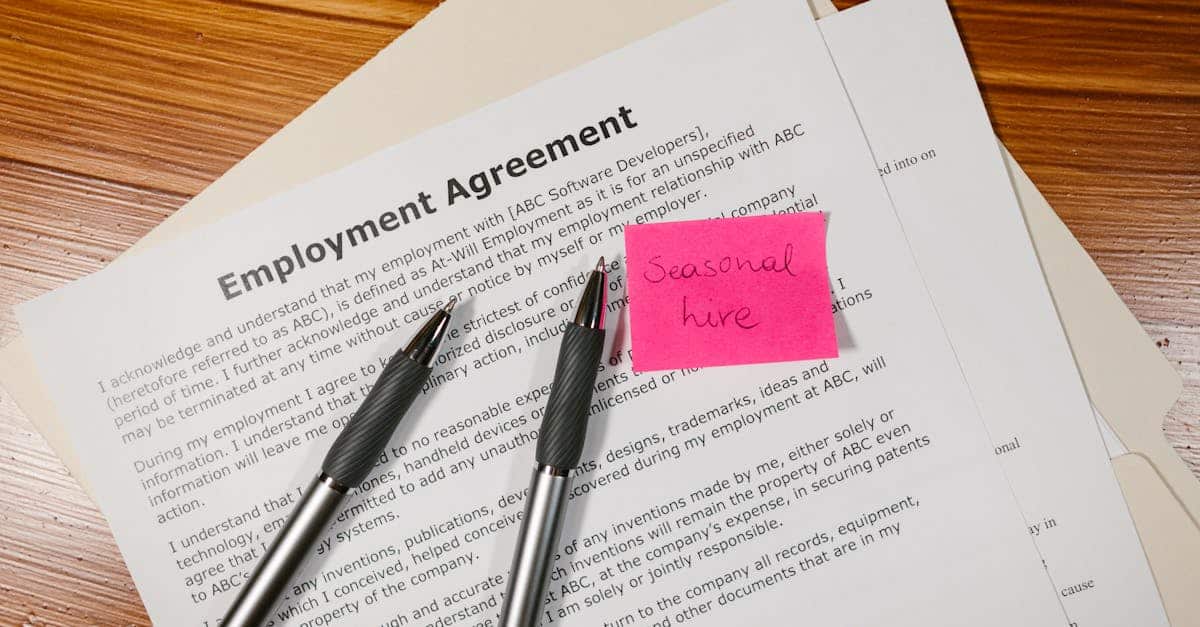
- Onboarding: auto‑extract offer details and populate employment records, benefits enrollment, and payroll setups using employment agreement templates like this one: https://formtify.app/set/employment-agreement-mdok9.
- Consents and authorizations: capture signed consents (e.g., background checks, HIPAA) and store tamper‑evident proof via linked templates: https://formtify.app/set/hipaaa-authorization-form-2fvxa.
- NDAs and contracts: extract party names, effective dates, and key obligations; use NDA templates to standardize capture and automate renewals: https://formtify.app/set/non-disclosure-agreement-3r65r.
- HR data processing agreements: automatically attach and track DPAs when sharing personal data with third parties to maintain compliance: https://formtify.app/set/data-processing-agreement-cbscw.
How this maps to HR digitization goals:
- Faster time‑to‑productivity for new hires via automated onboarding and payroll digitization.
- Reduced manual steps through HR automation and integration with applicant tracking and talent management software.
- Clear audit trails and consent records to support legal and compliance teams.
Start by deploying a few high‑value templates, measure processing time and error reduction, then expand the template library to cover more HR processes as your HR digital transformation matures.
Summary
Document AI gives HR and legal teams a practical way to move from paper and manual handoffs to fast, auditable processes by automatically classifying documents, extracting key fields, and redacting sensitive data. Build a clear pipeline—OCR, NLP/classifier, and template mapping—then connect parsed fields to onboarding, payroll, and approval workflows while enforcing PII detection, DPAs, and human‑in‑the‑loop QA. These steps cut errors, speed hires, and create immutable evidence trails that ease compliance and oversight as part of an effective HR digitization strategy. Ready to get started? Explore templates and integrations at https://formtify.app.
FAQs
What is HR digitization?
It’s the process of replacing manual, paper‑based HR tasks with digital systems that capture, store, and route employee information. That often includes automated document capture, structured field extraction, and integration with HRIS and payroll systems to make data actionable.
How does HR digitization benefit organizations?
Digitizing HR speeds up hiring and onboarding, reduces manual errors, and lowers operational costs by automating routine tasks. It also improves compliance and auditability through tamper‑evident logs, consent tracking, and automated PII redaction.
What are common challenges in HR digitization?
Typical hurdles include inconsistent source documents, integration gaps with legacy HR systems, and model errors (hallucinations) when extracting fields. Change management and establishing governance—training data, HITL review, and template versioning—are essential to overcome these issues.
How do you implement HR digitization successfully?
Start with a few high‑value document types (offer letters, tax forms, direct deposit authorizations) and build a modular pipeline: OCR, NLP/classifier, and template mapping. Add human‑in‑the‑loop review for low‑confidence parses, connect outputs to your HRIS, and monitor accuracy to iterate and scale.
Which tools are used for HR digitization?
Common components include OCR engines for text extraction, NLP/classification models for document typing and entity extraction, template mapping tools, and workflow automation or APIs that integrate with HRIS and payroll. Vendors and integrations that bundle document AI, PII redaction, and audit trails make deployment faster and more secure.