Introduction
Landlords and property managers are juggling evolving local rules, faster turnarounds, and remote workflows—yet too many still rely on ad‑hoc forms that waste time and increase legal risk. This article lays out a practical, ready‑to‑use pack for 2025: downloadable landlord legal templates including editable leases, eviction notices, tenant letters and room‑rental agreements, plus guidance on using document automation to preserve variables, add e‑sign fields, and automate state‑specific addenda. You’ll also get a compliance checklist, file‑format best practices (fillable PDFs and editable Word), and distribution/monetization tactics so you can offer high‑value downloads that are both usable and defensible.
High‑value landlord templates to offer as downloads (fixed‑term leases, month‑to‑month, eviction notices, tenant letters)
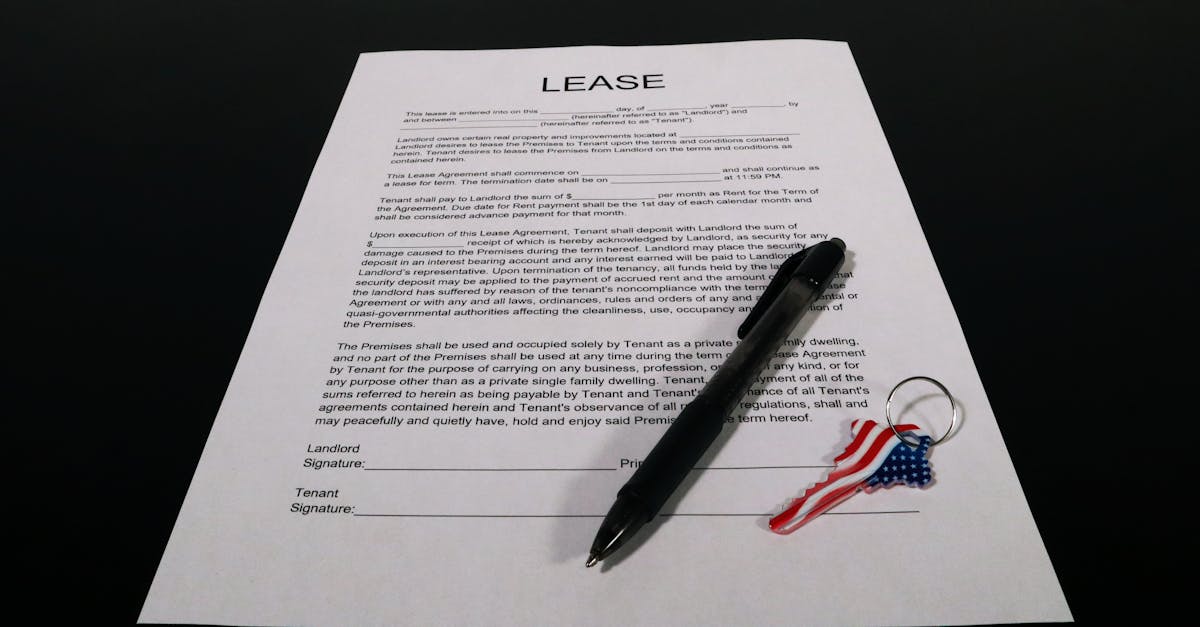
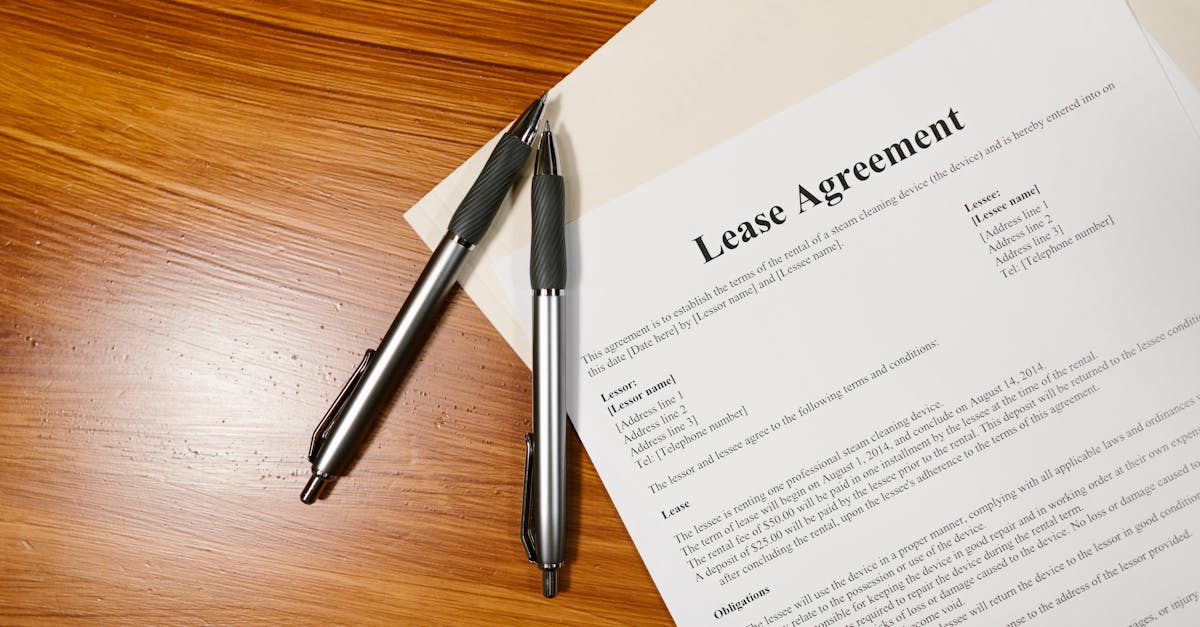
Core templates every landlord needs. Offer a focused set of legal templates landlords actually use: fixed‑term leases, month‑to‑month agreements, eviction notices, tenant letters, and room rental agreements. Include both printable legal forms and editable contract templates so customers can choose their preferred format.
Must‑have files
- Fixed‑term lease (state version) — include a ready-to-download fixed term lease for quick signing. Example: https://formtify.app/set/residential-lease-agreementfixed-termcalifornia-d2r8v
- Month‑to‑month lease — short, clear terms and notice sections: https://formtify.app/set/month-to-month-lease-agreementcalifornia-3a46u
- Eviction & notice templates — pay/rent demand and eviction forms: https://formtify.app/set/eviction-notice—california-7ym7w
- Tenant letters — notice to vacate, late rent reminders, entry notices: https://formtify.app/set/notice-to-vacate-letter-3fd1i
- Room rental and shared‑housing agreements — for roommate splits and house rules: https://formtify.app/set/room-rental-agreementcalifornia-5h34e
Additional downloads to boost value: include simple addenda templates, move‑in checklists, inspection forms, and basic employment contract template or NDA template if the landlord hires contractors or managers. Label files clearly (e.g., “Fixed‑Term Lease — CA (Word, Fillable PDF)”) to show format and jurisdiction.
State‑aware addenda strategy: include jurisdictional clauses and simple instructions for customization
Why state‑aware addenda matter. Laws vary by state and country — notice periods, security deposit limits, eviction grounds, and required disclosures change frequently. A single nationwide template increases legal risk; a base lease plus state‑specific addenda reduces that risk and helps users adapt templates responsibly.
Practical approach
- Base lease + state addenda: keep one neutral lease and add short, state‑specific addenda for landlord/tenant law, rent control, and deposit rules.
- Jurisdictional clause: include a clear choice‑of‑law and venue clause but also a note that local mandatory rules may override contract terms.
- Customization instructions: add an easy checklist at top of each addendum: what to edit (dates, amounts), what to confirm with local law (notice timelines), and red flags that require counsel.
- Localization for international markets: for markets like Australia or LLC structures, provide separate addenda: e.g., “legal templates australia” variant and an addendum for landlord entities (individual vs. legal entity / legal templates llc).
Implementation tip: version and date each addendum and surface a “last updated” notice so landlords know when to check for legal changes or consult a lawyer.
Designing fillable PDFs and editable Word leases that preserve variables (rent, deposit, penalties) and e‑sign fields
Formats to offer. Provide both editable Word and fillable PDF versions labeled for users searching “legal templates word” and those wanting PDF forms. Ensure both preserve key variables and are e‑signature friendly.
Design best practices
- Use named fields/merge tags: mark variables ({{RentAmount}}, {{SecurityDeposit}}, {{LateFee}}) so automated systems can replace them reliably.
- Lock static text: protect clauses that shouldn’t be edited accidentally while keeping fields editable for amounts, dates, and names.
- Include e‑signature placeholders: clear signature blocks with date fields and guidance for common e‑sign platforms (DocuSign, Adobe Sign).
- Accessibility & readability: use readable fonts, ample spacing, and a simple layout so the Word file converts cleanly to PDF without breaking fields.
- Preserve conditional logic: for complex clauses (e.g., pet addendum, rent control opt‑ins), use separate optional addendum pages instead of trying to hide content inside the main lease.
Testing checklist: test each file across Word versions, macOS/Windows, and multiple PDF viewers. Verify field exporting and that variables remain editable when saved or emailed.
Compliance checklist: disclosures, habitability clauses, and notice timelines to reduce risk when sharing downloadable templates
Essential compliance items to include in every downloadable pack. A short, clear checklist helps landlords avoid common pitfalls when using legal templates free or paid.
Checklist
- Required disclosures: lead‑based paint (federal), local habitability and mold disclosures, HOA rules, carbon monoxide and smoke detector statements.
- Security deposit rules: maximums, interest rules, timelines for returns, itemized deduction requirements.
- Entry & notice timelines: state/city notice for entry, notice to terminate (30/60/90 days), rent increase notice requirements.
- Habitability & maintenance clauses: landlord obligations, tenant remedies, repair timelines, emergency contact procedure.
- Pet and service animal policies: clear pet addenda and separate process for service animal accommodation.
- Privacy & data handling: how tenant information is stored and used if you capture applications or payments.
When to consult a lawyer: advise users to seek counsel for complex evictions, rent‑control disputes, major renovations, or if a template conflicts with local ordinances. This reduces liability when you distribute contract templates or legal forms to customers.
Landing page and SEO tactics to reach landlords and property managers (keywords: free legal templates for landlords, download legal templates pdf)
SEO & landing page essentials. Build pages targeting intent: downloads, education, and conversion. Use keyword variants naturally: “free legal templates for landlords,” “download legal templates pdf,” “legal templates for small business,” and “legal templates free.”
On‑page tactics
- Title & H1: include primary phrase early — e.g., “Free Legal Templates for Landlords — Download Lease, Notice, and Room Rental PDFs.”
- Subheadings: target related keywords like “legal templates word,” “legal templates llc,” and “legal templates australia” where relevant.
- Schema & file links: mark download links with fileType and include file sizes. Use internal links to specific templates (fixed term, month‑to‑month, eviction notices).
- Content length & intent: provide a short how‑to section: “How to use these templates” and quick compliance pointers so searchers stay and convert.
Conversion & UX
- Clear CTAs: “Download PDF” and “Get editable Word” buttons per template.
- Trust signals: include “last updated” dates, jurisdiction tags (CA, TX, etc.), and an excerpt of the compliance checklist.
- Targeted landing pages: create separate pages for “download legal templates pdf” and “free legal templates for landlords” to capture different intents and rank for both.
Content marketing: publish short guides like “What are legal templates?” and “How to customize a lease” that link to the download pages and target long‑tail queries (legal document templates for business, how to write a legal template, legal template best practices).
Distribution & monetization: gated templates, email capture, and bundling with property management workflows
Monetization models that work for templates. Mix free legal templates (lead magnets) with premium packs and integrations to monetize without losing traffic.
Distribution strategies
- Freemium + gates: offer basic templates free (PDF) and gate editable Word or fillable PDF versions behind an email capture.
- Bundling: package leases, notices, addenda, and compliance checklists as a paid “Landlord Pack” or subscription that updates templates seasonally.
- Workflow integrations: offer integrations or tutorials for popular property management tools and payment platforms; charge for preconfigured bundles or setup help.
- Licensing & white‑label: license templates to brokerages or property managers for a recurring fee and provide branded versions.
Conversion tips
- Email capture value: trade editable files for email + company size and follow up with onboarding sequences that show how to customize templates (employment contract template and NDA template upsell for landlords who hire staff).
- Pricing ideas: small one‑time fee for a template pack, monthly subscription for updates and jurisdictional addenda, or per‑download microtransactions.
- Analytics: track which templates convert best (eviction notices, lease renewals) and A/B test gated vs free variants.
Recommended landlord template URLs to include in a downloadable pack
Pack the download with reliable, labeled links. Give users direct access to the most used forms and a clear filename convention so they can pick what they need quickly.
Core URLs to include
- Fixed‑term lease (California) — https://formtify.app/set/residential-lease-agreementfixed-termcalifornia-d2r8v
- Month‑to‑month lease (California) — https://formtify.app/set/month-to-month-lease-agreementcalifornia-3a46u
- Eviction notice / Pay or Quit (California) — https://formtify.app/set/eviction-notice—california-7ym7w
- Room rental agreement — https://formtify.app/set/room-rental-agreementcalifornia-5h34e
- Notice to vacate / tenant letter — https://formtify.app/set/notice-to-vacate-letter-3fd1i
Suggested extra files: include a generic employment contract template and a basic NDA template for landlords who hire managers or contractors. Label variants for “legal templates free,” “legal templates word,” and “legal templates pdf” and include a short README that explains which files are editable, which are fillable PDFs, and which ones require local addenda.
Summary
Wrap-up: This pack gives landlords and property managers a focused set of ready-to-use, state-aware legal templates—fixed-term and month-to-month leases, eviction notices, tenant letters, and room‑rental agreements—paired with clear addenda, fillable file formats, and a compliance checklist. By combining a neutral base lease with jurisdictional addenda and well-labeled editable files you reduce legal risk and speed routine work. Document automation helps HR and legal teams preserve variables, add e-sign fields, and push updates across every document so onboarding, renewals, and dispute responses are faster and more defensible. Ready to streamline your forms and distribute high-value downloads? Get started at https://formtify.app
FAQs
Are legal templates legally binding?
Yes — templates can form legally binding contracts when they are properly completed, signed, and not contrary to mandatory local law. A template is just the starting point; enforceability depends on correct execution, required disclosures, and compliance with jurisdictional rules. For unique or high‑risk situations, have a lawyer review the final document.
Are free legal templates safe to use?
Free templates can be safe if they come from reputable sources and are kept up to date, but they carry risks if not localized or reviewed. Common pitfalls include missing disclosures, outdated notice periods, or conflicting local ordinances. Use a compliance checklist and test files before relying on them for significant matters.
Can I use one legal template in different states or countries?
Generally no — landlord–tenant laws vary by state and country, so a single nationwide template can create legal exposure. Use a neutral base lease plus state‑specific addenda and a clear jurisdictional clause, and advise users to confirm mandatory local requirements. For international markets, provide separate localized variants and guidance.
How do I customize a legal template for my business?
Start by identifying variables (rent, deposit, notice periods) and use named fields or merge tags so automation can populate them reliably. Add jurisdictional addenda, lock static clauses that shouldn’t be edited, and include a short README or checklist explaining what to change and what to confirm with counsel. Test across Word and PDF viewers and keep version/dates for updates.
Where can I find reliable legal templates?
Look for reputable marketplaces, legal‑tech providers, and law‑firm–reviewed packs that offer state‑specific addenda and clear file formats (editable Word and fillable PDF). Trusted sources provide update histories, jurisdiction tags, and compliance checklists to reduce risk. Example platforms that package and maintain landlord forms include specialized services like Formtify and similar providers.